

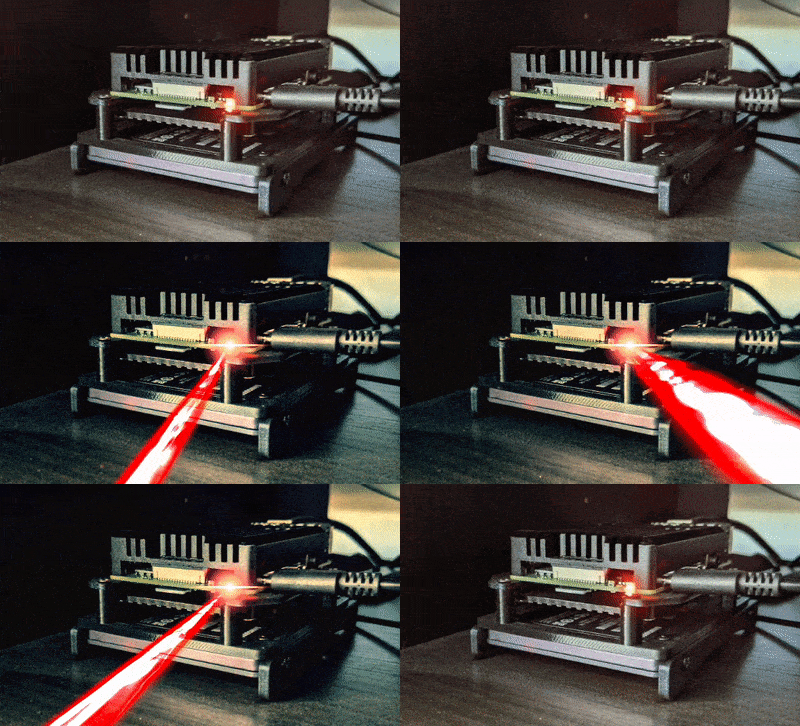
Empowering the World with PiVPN on Hardware Donations 🌍
By leveraging donated used workstations, we can make powerful impacts enhancing privacy and access globally.
💻Fast Freedom Portals
-
Setup Optiplex/Thinkcentre nodes with PiVPN in censored lands for high-speed internet
-
Leverage remaining RAM/CPU for applications like full Bitcoin nodes
💾Massive Data Syncing
-
Connect globespanning PiVPN mesh for rapid syncing of censorship resistant data
-
Nodes help seed everything from Linux ISOs to TBs of shows/movies for communities
🧑💻Education at Scale
-
Offer nodes to schools/libraries loaded with educational materials made available via PiVPN
-
Students can access lessons, virtual labs and complete coursework remotely without restrictions
💸Generating Resources Ethically
-
Install full Bitcoin/joinedmarket/lightning nodes helping validate/route transactions worldwide
-
Convert portion of earned satoshis into sustainable initiatives for served communities
By repurposing retired enterprise gear, score one for privacy and put left over hardwarehorsepower to work in meaningful ways. Exciting potential for impact!
Optimizing your PiVPN setup and using it effectively:
Hardware Considerations
-
For best performance, use a Pi 4 with at least 2GB RAM. Overclock if needed.
-
Consider a large capacity microSD card rated for good read/write speeds.
-
Add a case and heat sinks to help dissipate heat from overclocking.
Network Optimization
-
Reserve a static IP for your Pi either via DHCP reservation or manually set static IP.
-
Port forward UDP port 51820 on your router for remote access.
-
Test network speeds when connected - use Ethernet if possible for max throughput.
Multiple Device Support
-
Use pivpn -a to add different devices like phones, laptops easily.
-
Generate unique QR codes with pivpn -qr for easy mobile app configuration.
-
Add filters like domain blocking directly in the WireGuard config file as needed.
Backups and Updates
-
Periodically backup configs to external storage using pivpn -bk command.
-
Keep PiVPN updated regularly with pivpn -up to get latest fixes and improvements.
With these tips, your PiVPN should provide reliable wired/wireless access from anywhere! Let me know if any other questions come up.