
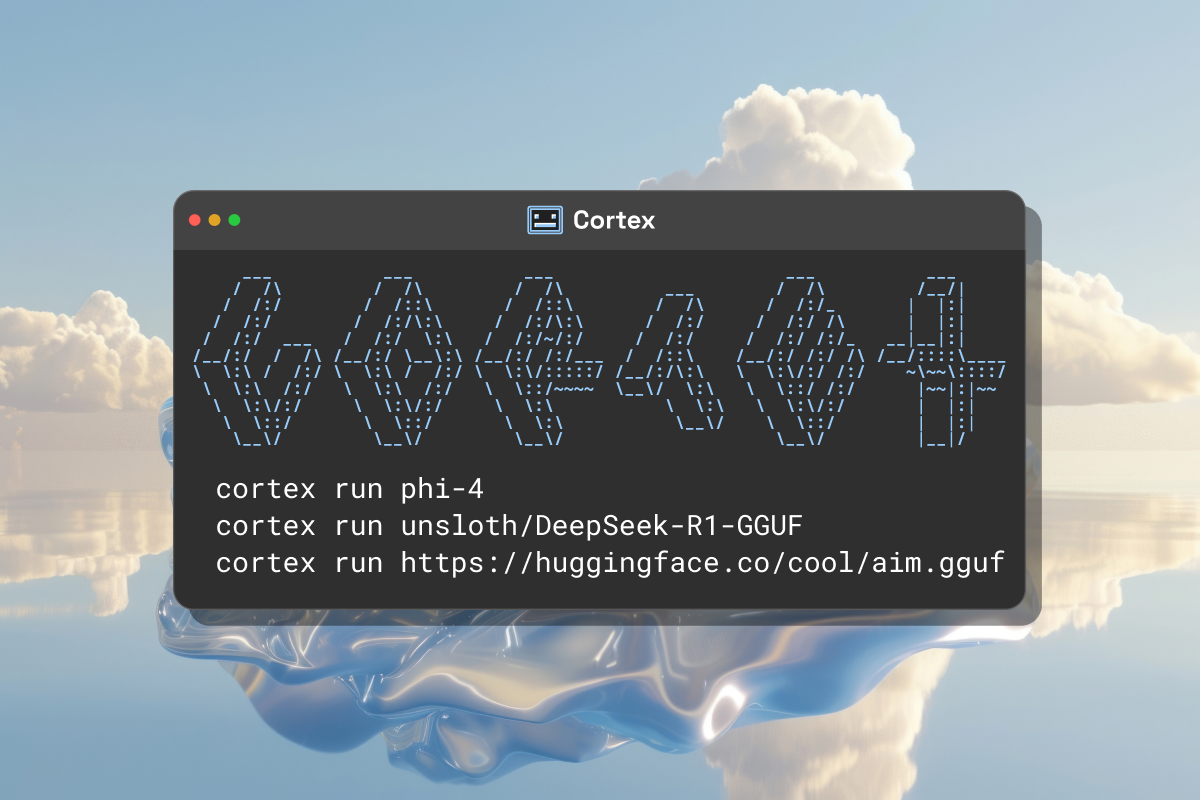
-
Downloading the linux package (1.8GB) cortex.so/docs/installation
-
Installing Cortex on linux is done via dpkg note: it requires 2 linux packages (openmpi-bin and libopenmpi-dev)
sudo apt-get install openmpi-bin libopenmpi-devprior to runsudo dpkg -i cortex-1.0.9-linux-amd64-local-installer.deb -
When running Cortex,
cortex starta local implementation will be running on 127.0.0.1:39281 -
Using python it is possible to run queries make sure the model name is correct you can double check the value using:
cortex ps
Now the python program to run one little query:
import requests

url = "http://127.0.0.1:39281/v1/chat/completions"

headers = {"Content-Type": "application/json"}

payload = {
    "model": "tinyllama:1b-gguf",
    "messages": [
        {
          "role": "user",
          "content": "Write a joke"
        }
      ],
    "stream": False,
    "max_tokens": 128,
    "stop": ["End"],
    "frequency_penalty": 0.2,
    "presence_penalty": 0.6,
    "temperature": 0.8,
    "top_p": 0.95,
}

response = requests.post(url, json=payload, headers=headers)

print(response.json())