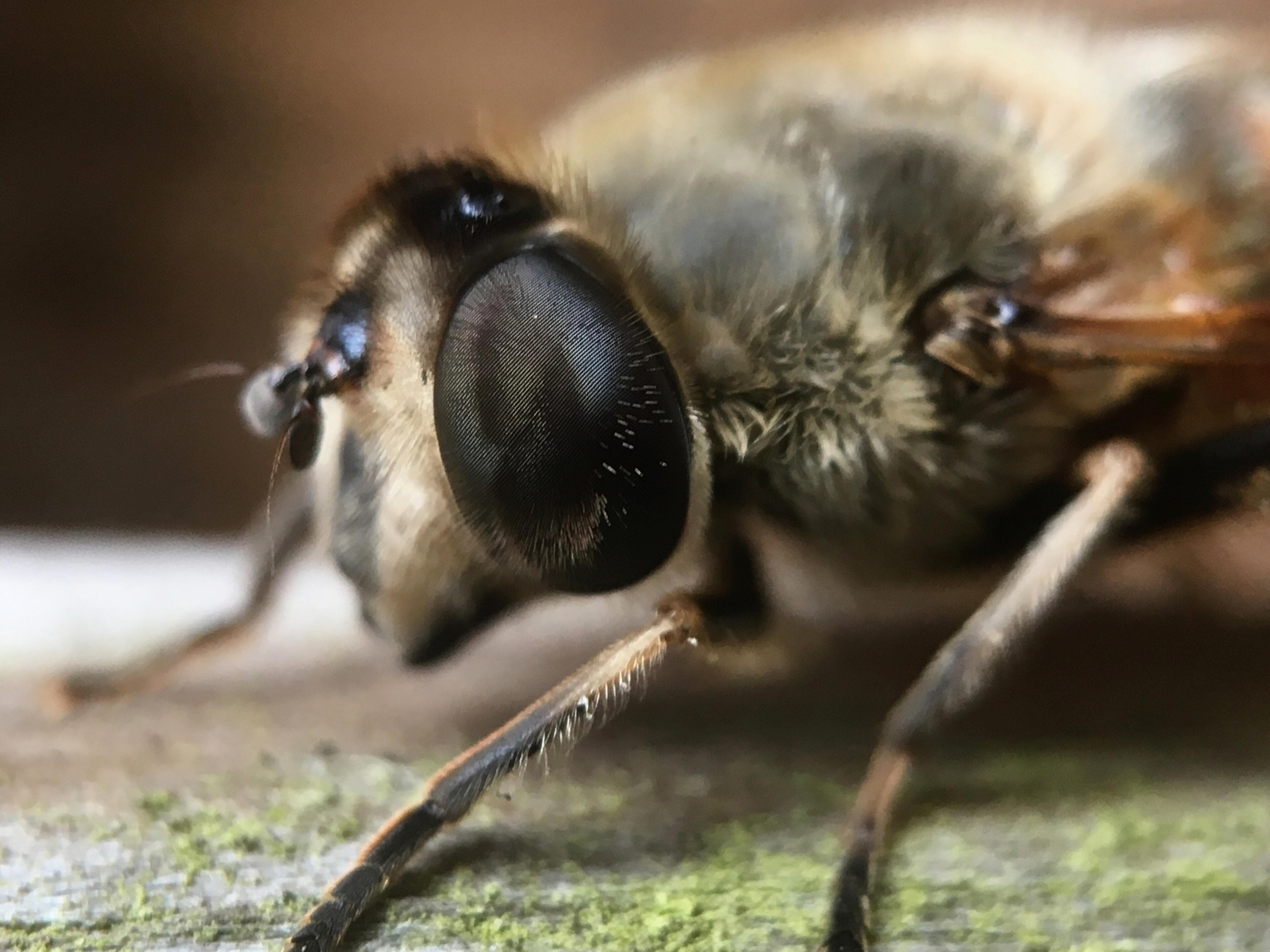
Macro Phoneography Tips – Capturing the Tiny World in Big Detail
You don’t need a fancy camera to dive into the miniature universe—your phone + a few tricks are all it takes! Macro photography with a smartphone can reveal incredible textures, patterns, insects, flowers, and everyday details most people miss. Here’s how to get the best out of it:

## 🔧 **1. Use a Macro Lens Attachment (If Possible)**
- Clip-on macro lenses are affordable and **boost your phone's close-up power**
- Look for **10x–20x lenses** for best results
- Make sure it’s aligned perfectly with your phone’s lens
## ✨ **2. Get Really Close (but Not Too Close)**
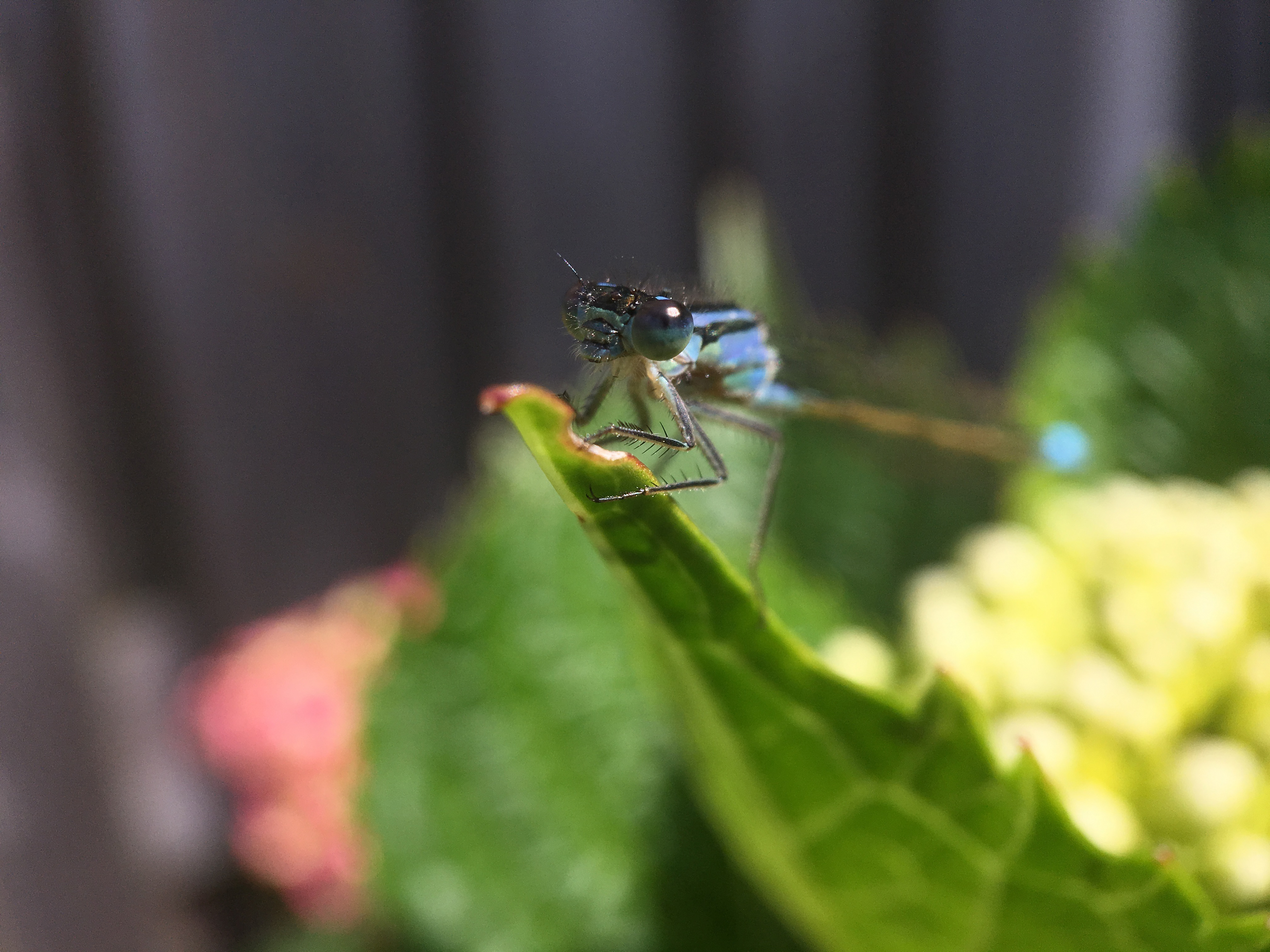
- Phones typically focus best at **2–5 cm** in macro mode
- Slowly move your phone toward the subject until it comes into sharp focus
- If it blurs, back off slightly—tiny shifts matter a lot!

## 📸 **3. Tap to Focus & Adjust Exposure**
- Tap on your subject to lock focus
- Adjust brightness manually if your phone allows—**slightly underexposed often looks better in macro**

## 🌤️ **4. Use Natural Light or a Diffused Flash**
- **Soft natural light** (like early morning or cloudy day) gives the best macro results
- Use white paper to bounce light or your hand to gently shade direct sun
- If using flash, try diffusing it with a tissue or tape for a softer effect

## 🧍♂️ **5. Steady Yourself**
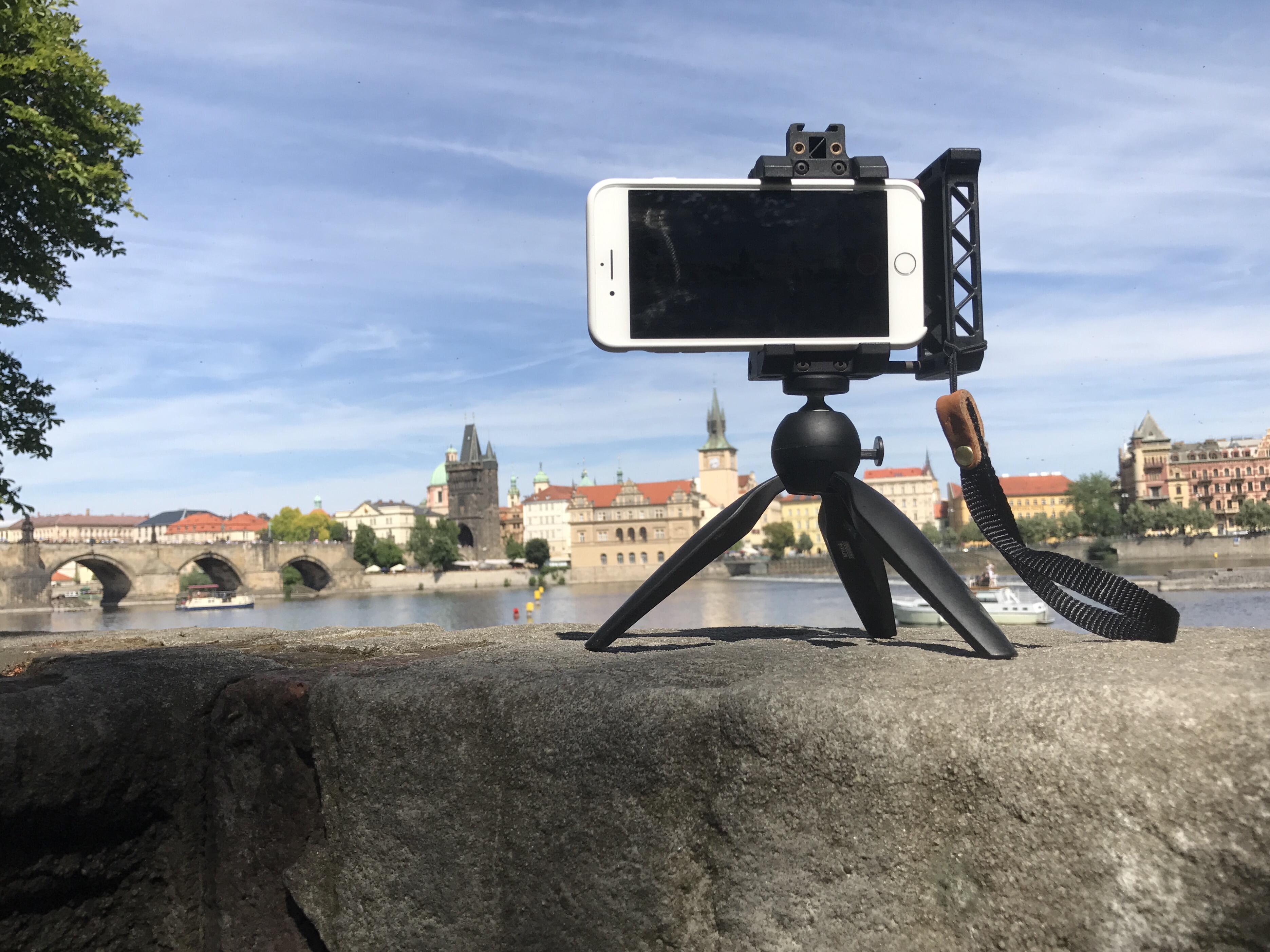
- Use **both hands**, brace against something, or use a **tripod** for stability
- Try your phone’s **timer or remote shutter** (via headphones or Bluetooth) to avoid shake

## 🧽 **6. Clean Your Lens**
- Macro shows **everything—including dust and fingerprints**
- Always wipe your lens gently before shooting
## 🌀 **7. Explore Textures & Patterns**
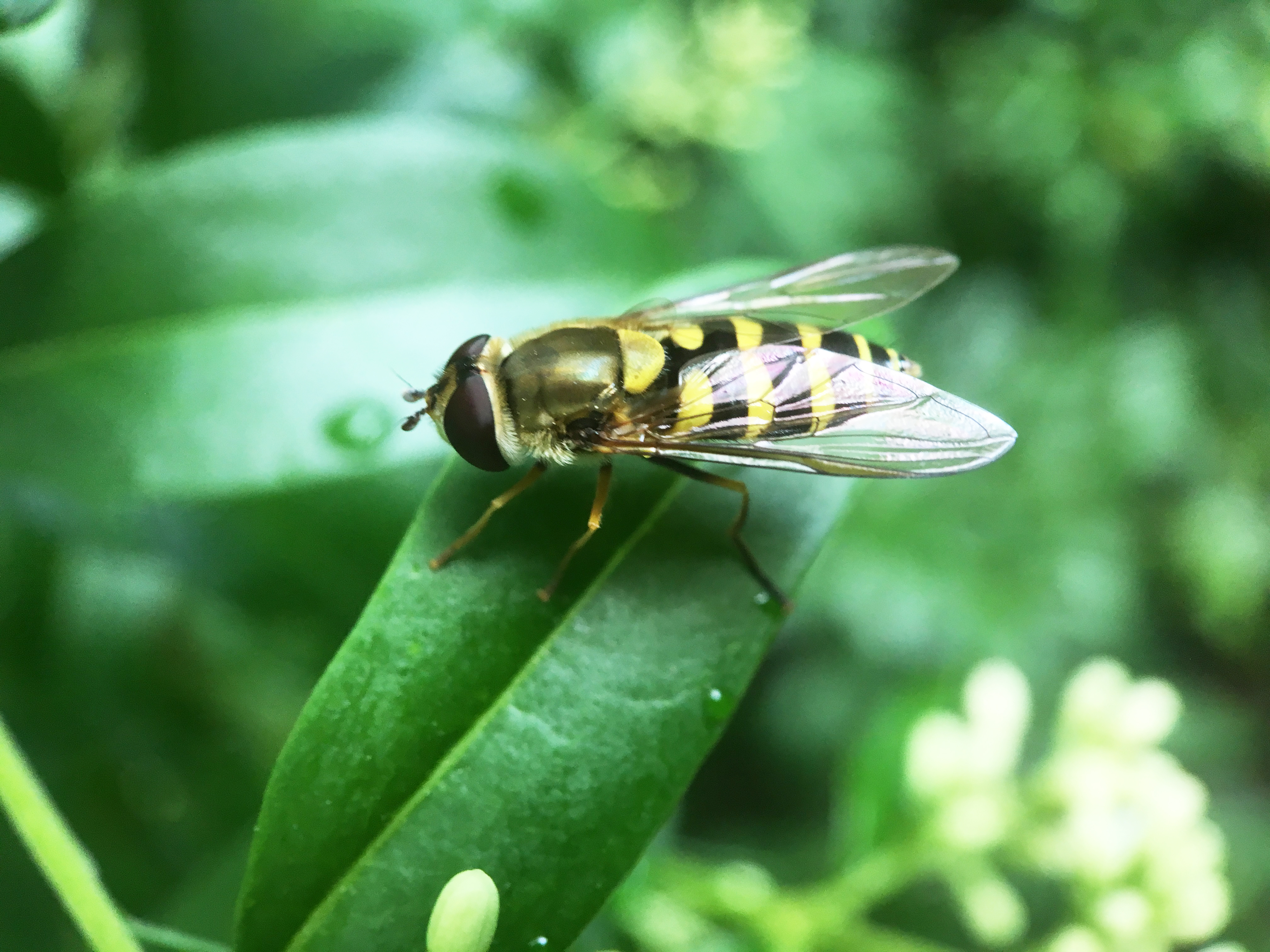
- Get creative with **leaves, feathers, skin, fabrics, ice, fruit, rust, insects**—anything with rich texture
- Look for **symmetry, contrast, or repetition** in tiny subjects

## 🧑🎨 **8. Edit Smart**
- Use apps like **Snapseed, Lightroom Mobile**, or your built-in editor
- Adjust sharpness, contrast, warmth, and cropping carefully
- Avoid over-sharpening—it can make things look unnatural

## 🎯 Bonus Tip: **Try Manual Camera Apps**
- Apps like **Halide (iOS), ProCamera, or Camera+ 2** let you control **ISO, shutter speed, and focus manually**
- Great for getting extra precision
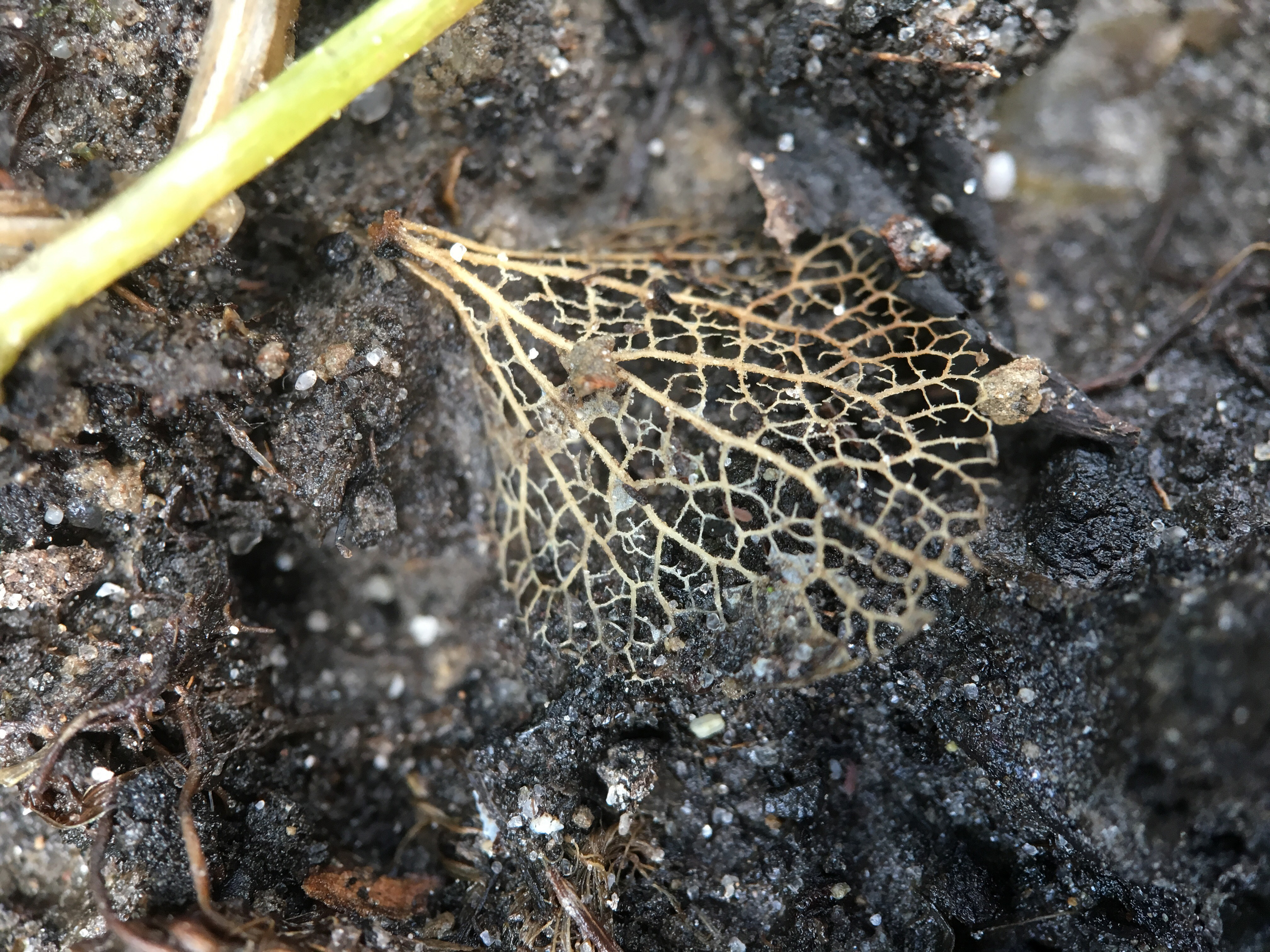
Macro phoneography is about **patience and curiosity**. Once you start noticing the tiny wonders around you, you’ll see the world a little differently.