Die höchste Stufe der Souveränität: Betreibe deine Dienste selbst. Deine Daten liegen auf deiner Hardware und unterliegen der von dir gewählten Rechtsordnung.
2026 hosting benchmark: Bluehost, Kinsta, WP Engine, Shopify, Vercel, Netlify. Compare uptime, speed, support, pricing, and ROI for blogs, e-commerce, and SaaS applications.
E-commerce store owners can now integrate Bitcoin payments into their WooCommerce shops using the [LNbits WooCommerce plugin](https://wordpress.org/plugins/lnbits-bitcoin-onchain-and-lightning-payment-gateway/). This plugin supports payments using the Bitcoin Lightning Network and on-chain Bitcoin, providing merchants with flexible options to accept Bitcoin. ## Integration with Bitcoin Payments The LNbits WooCommerce plugin enables online merchants to accept Bitcoin payments easily. It uses LNbits to handle Bitcoin Lightning and traditional on-chain transactions, offering customers efficient payment methods. <img src="https://blossom.primal.net/f72416e58fa797b58d5a6a9dee1f11f353843a28a91312f27ec8ba33af2bbb3a.jpg"> Recent updates include support for Gutenberg block checkout integration, ensuring compatibility with the latest WooCommerce versions and improving the checkout experience for merchants and customers alike. ## How the LNbits Plugin Works The plugin integrates with LNbits through the Satspay Server extension. Lightning Network transactions are handled by LNbits. Merchants can manage on-chain payments via LNbits' Watch-only wallet extension. ## Setup Steps for Merchants The setup process for the LNbits WooCommerce plugin involves a few simple steps: 1. **Run an LNbits instance** – either self-host or use the LNbits SaaS service at [saas.lnbits.com](https://saas.lnbits.com). 2. **Install the Satspay Server extension** within your LNbits instance. 3. **Add the LNbits plugin** to your WordPress site. 4. **Configure the plugin** via WooCommerce admin panel under *WooCommerce > Settings > Payments*. ## Start Accepting Bitcoin Payments By accepting Bitcoin payments, merchants offer customers a secure and efficient alternative payment method. Integrating the LNbits WooCommerce plugin is straightforward and aligns with the increasing adoption of cryptocurrency in online retail. For further details, visit the official plugin page: [WordPress Plugin Directory – LNbits Bitcoin Onchain and Lightning Payment Gateway](https://wordpress.org/plugins/lnbits-bitcoin-onchain-and-lightning-payment-gateway/)
How to use Nostr for beginners.
#nostr #nostr_writer #review #beginner #obsidian #anytype #contract_drafting #agreenent_drafting #lawyer #law #contract #agreement #learn #education #plugin #telegram #wordpress #yakihonne #primal #damus I write about and teach contract drafting. I use [Obsidian](https://obsidian.md) as my primary software for doing research and to store my thoughts, draft lessons, future ideas, etc. While shifting from Wordpress I wanted to choose a tool and platform that can help me leave the paywalled platforms, and the need to pay for server space, domain, etc. I found the freedom [NOSTR.COM](https://nostr.com) and in [Obsidian](https://obsidian.md) Plugin [Nostr Writer](https://github.com/jamesmagoo/nostr-writer) by [James](https://github.com/jamesmagoo). I opened an account on [NOSTR.COM](https://nostr.com) and wrote my first article in [Obsidian](https://obsidian.md) and pushed (published through #Nostr_relays. You can find some on https://legacy.nostr.watch/relays/find ) it with the help of Plugin [Nostr Writer](https://github.com/jamesmagoo/nostr-writer), and you can simply access my blog posts by looking for them using a #nostr_client, if you also open a free Nostr account (a set of public and private keys). A thought came to me just now. Can I also link my Nostr articles (that is saved as obsidian note), if I link it here. So trying that now. [[My honest take on Nostr]] To be on a safer side I also link the Nostr ID for above post here. https://primal.net//e/note198msk03wj9jfp904k50evlret6laurqhgxzrk2mq9kuq0v0ggh0sx879fv
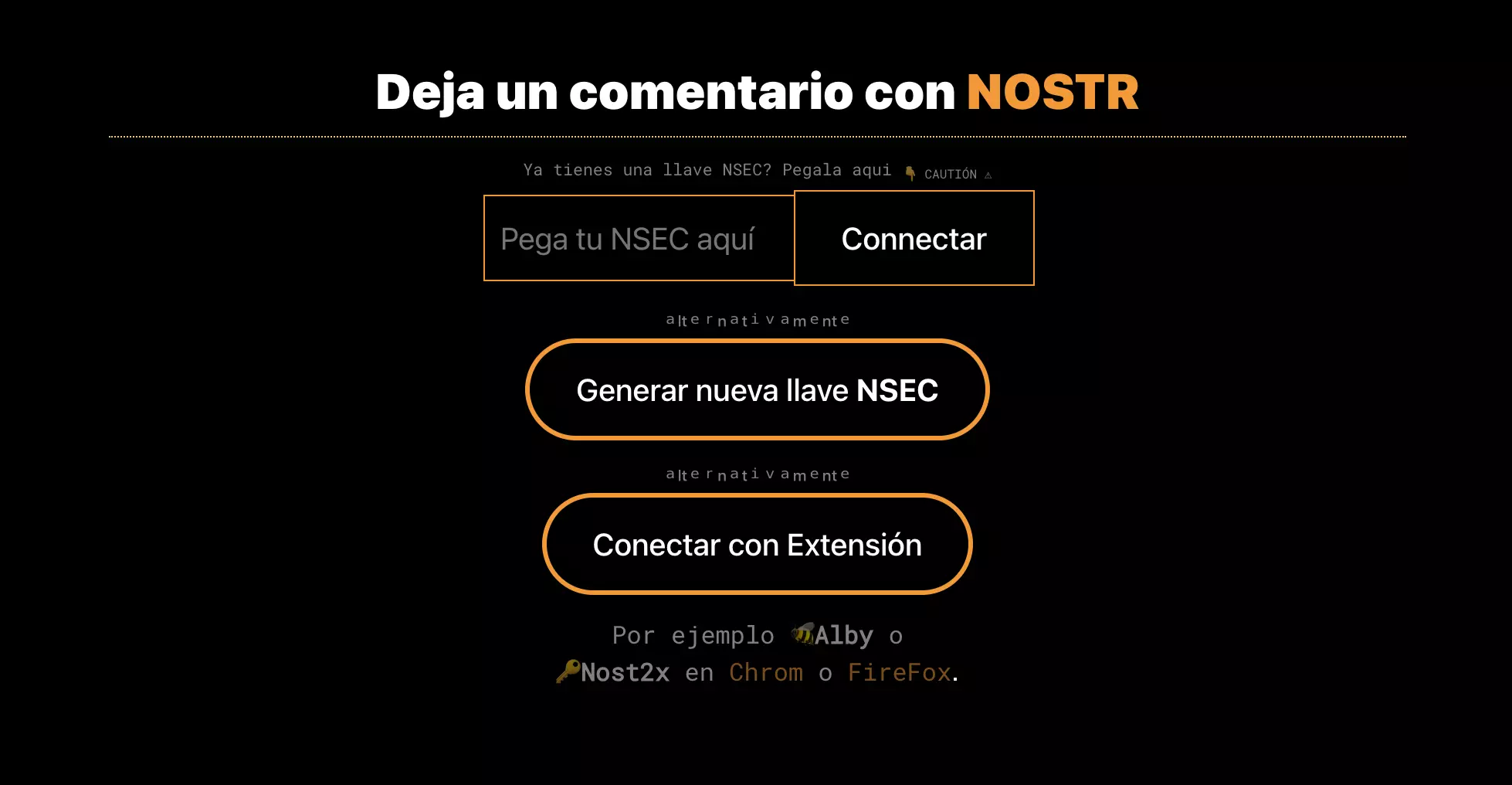
🚀 Exciting News! Introducing the WP NoStress #Comments Plugin for #WordPress! 🎉 Ditch the old comments and embrace a modern, #Nostr powered experience. 🚧 It's a #WIP and we need YOUR tech skills! Let's co-create magic. 🤝 Dive in https://stacker.news/items/281669/r/VEINTIUNO
📢 Calling all #WordPress and #Nostr enthusiasts! We're excited to announce a bounty for our NoStress WordPress Comments plugin. 🚀 Join us in bringing this idea to life. Your input matters, and the bounty will grow with community interest! Check it out